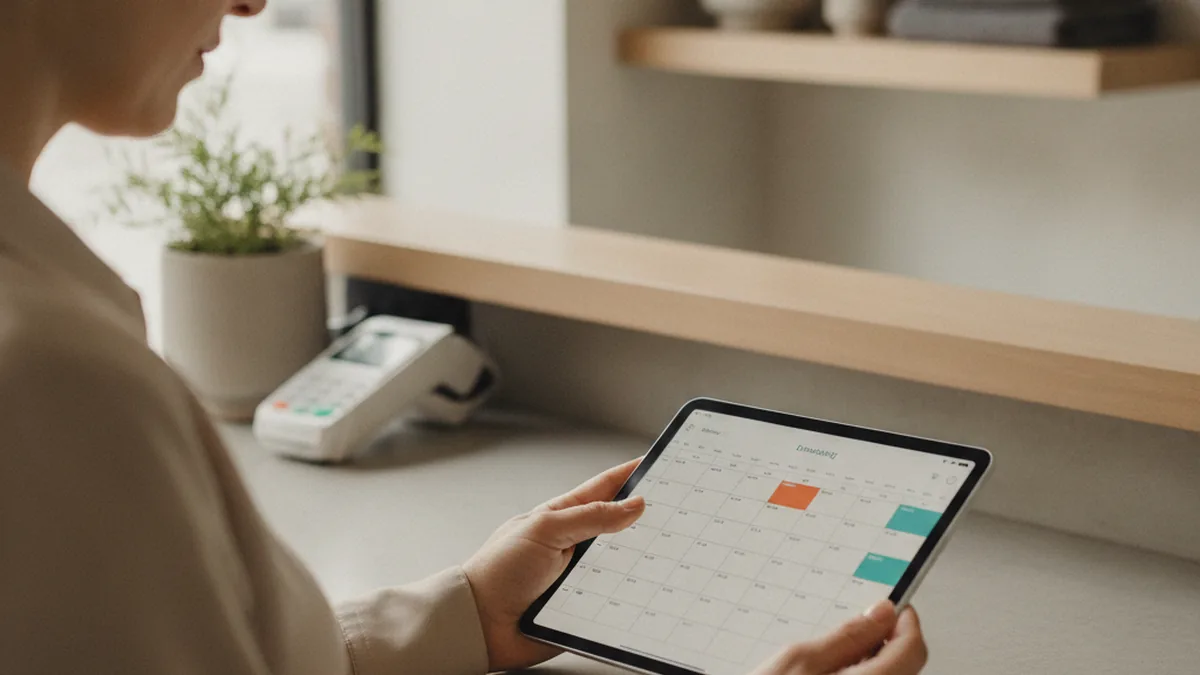
Every practice owner who starts looking at patient-app options runs into the same wall: the EHR vendor's sales deck and three competing patient-app platforms all promise roughly the same feature list, and none of them say which of those features your patients will actually open. In most small practices, two or three screens — booking, intake, and a next-appointment reminder — absorb almost all of the daily use, while the rest sits untouched.
TL;DR: A small practice's patient app earns its keep on four things — booking or rescheduling a visit, filling out intake and consent forms before arriving, getting a reminder before the appointment, and paying a co-pay without a phone call. That's usually the point where a practice turns to a healthcare mobile app development company instead of stretching a generic patient-app module past what it was designed for — most of the gap between an EHR vendor's built-in portal and a custom app comes down to exactly those four jobs and how closely your workflow already matches the vendor's defaults.
The rest of this guide walks through what belongs on that core feature list, where owners and patients disagree about priorities, and how to decide between extending what your EHR vendor already offers and building something custom.
What a Patient Portal App Actually Needs to Do
A patient-facing app has one job on any given day: answer "can I book or confirm a visit, and do I know what I owe" as fast as possible. Online booking and rescheduling, a clear view of the next appointment, and a way to pay a co-pay without calling the front desk cover most of that job on their own. A reminder a day or two before the visit closes the loop — it's the single feature most consistently tied to fewer no-shows in small practices, because most missed appointments come down to a patient simply forgetting, not declining to come in.
Digital intake forms matter almost as much, even though they're easy to leave off a first feature list. A patient who fills in history, insurance, and consent details from home arrives with less to fix at check-in, and front-desk staff spend less time re-typing handwriting off a clipboard. Apple Health/HealthKit integration can be a nice add-on for practices that want patients to share step counts or vitals ahead of a visit, but it's an optional layer on top of the core job, not a substitute for it.
Do Patients Actually Open the App, or Just Call the Front Desk?
What Practice Owners Think Patients Want
Owners shopping for a patient app often assume patients want a fuller health-management experience — symptom trackers, educational content libraries, a messaging thread with care tips. These features demo well and vendors highlight them because they photograph nicely in a pitch, but they sit far from the handful of tasks a patient actually needs to get through on a normal week.
What Patients Actually Use the App For
Practices that track in-app usage consistently see the same few screens dominate: booking or rescheduling, the next-appointment reminder, the intake form before a first visit, and the co-pay/billing screen. Secure messaging gets used mainly for simple logistics — "can I move my 2pm" — rather than clinical questions, which patients still tend to save for the visit itself or a phone call. The gap between what owners expect patients to want and what they actually open is the most common place a first app build overspends: paying for an educational-content module nobody reads instead of a booking and intake flow everybody needs.
The Core Feature Checklist
Before comparing an EHR vendor's module against a custom build, hold every option to this list. These are the features that show up in daily usage data across small practices, not the ones that sound most complete in a sales call.
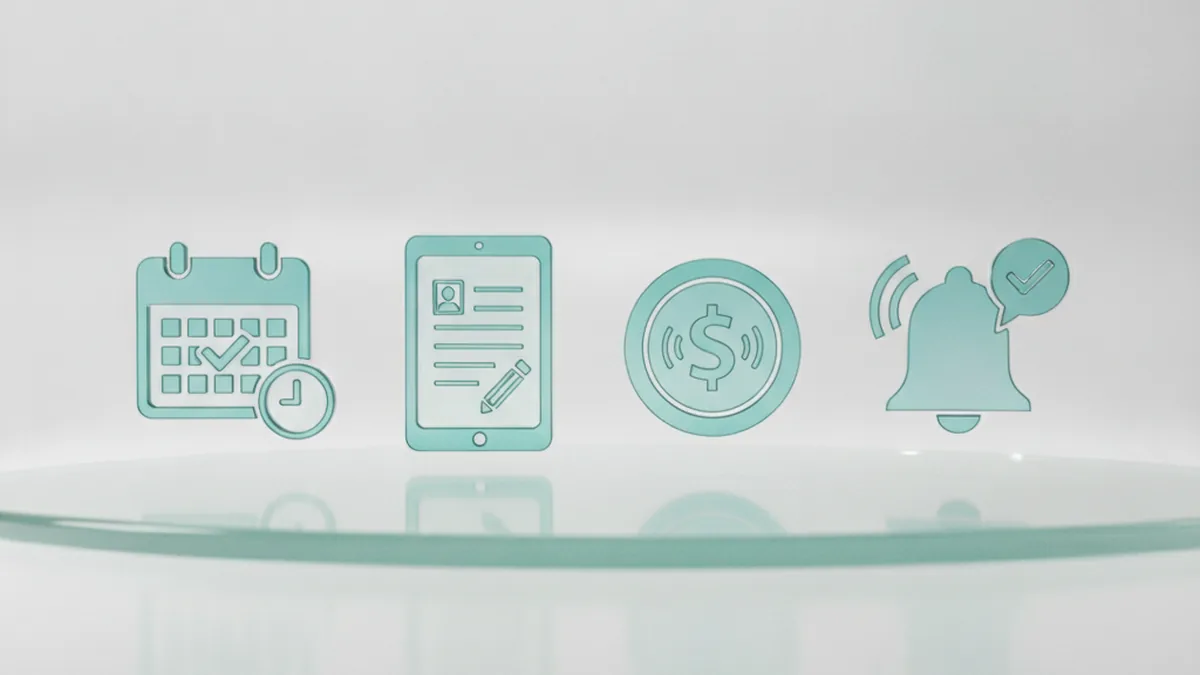
- Online booking with a waitlist for cancellations — reserve a slot, see real openings, and get moved up automatically when one frees up.
- Digital intake forms — history, insurance, and consent completed before the patient arrives, not on a clipboard in the waiting room.
- Appointment reminders (SMS or push) — sent far enough ahead that a patient can still reschedule instead of simply not showing up.
- Secure patient messaging — enough for logistics questions, without turning the app into a clinical chat channel.
- Co-pay and payment collection — pay before or at the visit without a phone call to the billing desk.
- Insurance info on file — stored and verified ahead of the visit instead of re-collected at check-in every time.
- A telehealth link, where the practice offers virtual visits — one tap from the appointment screen rather than a separately emailed link.
Build Custom vs. Extend Your EHR Vendor's Patient App
When the EHR Vendor's Built-In Module Is Enough
Most EHR platforms now ship a patient portal or companion app as part of the subscription, and for a single-provider practice with a fairly standard visit flow, that built-in module usually covers the core checklist above well enough. You give up the ability to customize scheduling rules or the intake flow beyond what the vendor's other clients also need, and in exchange you get booking, basic messaging, and sometimes reminders without a separate development project or a second monthly bill.
When Custom Development Makes Sense
The calculation changes once your scheduling rules, intake flow, or payment setup stop matching the EHR vendor's defaults — multi-provider scheduling the module doesn't handle well, a longer or more specialty-specific intake form, or a telehealth and payment flow the built-in module wasn't designed around. At that point a generic patient-app module is being stretched past what it was designed for, and a custom build is usually the better fit. A custom build also means no more working around a shared feature set — the upfront cost is higher, but the app matches the practice's actual workflow instead of the other way around.
Feature Comparison Table: Owner Priorities vs. Patient Priorities
Lining up what practice owners typically ask for against what patients actually use makes the gap concrete and easier to scope around.
| Feature | What owners usually prioritize | What patients actually use |
|---|---|---|
| Online booking / rescheduling | High — core request from day one | Highest — opened every visit |
| Digital intake forms | Medium — often added after launch | High — reduces waiting-room friction |
| Appointment reminders | Low — seen as a nice-to-have | High — directly reduces no-shows |
| Co-pay / payment collection | Medium — valued for billing speed | High — checked before and after visits |
| Secure messaging | High — assumed to build patient trust | Low — used mainly for logistics, not clinical questions |
| Health content / educational library | Medium — demos well, feels thorough | Low — rarely opened outside a visit |
Common Mistakes Practices Make When Scoping a Patient App
- Scoping for a health-content hub instead of a booking-and-intake replacement. The features that look most complete in a vendor demo are rarely the ones patients open daily — see the gap above.
- Picking an EHR module without checking the intake and scheduling fine print. Multi-provider scheduling, custom intake fields, and specialty-specific consent forms are exactly the rules most likely to be missing from a shared module built for a broad range of practices.
- Launching without digital intake forms. An app that handles booking and reminders but still asks patients to fill out paperwork on a clipboard at check-in keeps the front-desk bottleneck the app was supposed to remove.
What It Costs to Get This Right
Extending an EHR vendor's built-in patient module usually means no separate upfront build cost, since the feature is already part of the subscription — but it typically comes with a per-provider or per-patient fee layered into the existing contract, and that monthly fee adds up over a multi-year horizon. Custom development has a higher upfront cost, since booking, intake, reminders, and payment all have to be built and tested rather than switched on, but there's no separate platform fee once it ships. As a rough rule, the further a practice's scheduling and intake needs stray from what the EHR vendor's typical client needs, the faster the built-in module's limitations turn into lost front-desk time and patient no-shows — and the more a custom build's higher upfront cost evens out against those ongoing costs.
A Launch Checklist Before You Open the App to Patients
- Confirm booking, waitlists, and provider availability match your actual schedule, including recurring and one-off appointment types.
- Test the full intake flow end to end — a new patient, a returning patient, and a form with a missing required field.
- Verify appointment reminders actually fire with enough lead time for a patient to reschedule, not just in a staging environment.
- Walk front-desk staff through a day of check-ins where some patients used the app and some didn't, to catch friction before patients do.
- Confirm with your compliance process how patient data in the app is encrypted and who has access, before any real patient data goes through it.
FAQ
Do small medical practices actually need their own patient app, or is the EHR vendor's portal enough?
The EHR vendor's portal is often enough for a single-provider practice with a standard visit flow, since it already covers booking and basic messaging. A dedicated patient app earns its place once you add things like multi-provider scheduling, a non-standard intake flow, or a payment experience the EHR module doesn't support well.
What's the difference between a built-in EHR patient module and a custom-built patient app?
A built-in EHR module is a shared feature all of the vendor's clients use, priced into your EHR subscription, with a fixed feature set you can't meaningfully customize. A custom-built app is written around your practice's specific scheduling, intake, and payment workflow, costs more upfront, and can do things the EHR vendor never built because most of its clients didn't need them.
How do digital intake forms actually reduce front-desk workload?
Patients fill in history, insurance, and consent details before they arrive instead of on a clipboard in the waiting room, so staff spend less time transcribing handwriting and chasing missing fields. The time saved shows up mostly at the front desk and in fewer callbacks to patients about incomplete paperwork.
Can a patient app handle co-pays and insurance info securely?
Yes — both EHR-vendor modules and custom builds can integrate a payment processor for co-pay collection and let patients store insurance details for staff to verify before a visit. Whichever route you take, confirm with your compliance process how patient data is encrypted and who can access it, since this is exactly the kind of detail that shouldn't be assumed from a sales demo.
How long does it take to launch a basic patient-facing app for a small practice?
Turning on an EHR vendor's existing patient module can often happen in days to a couple of weeks once your schedule and forms are configured. A custom-built app realistically takes a few months from discovery to launch, since booking, intake, reminders, and payment all have to be built and tested rather than switched on.
Who should actually build the app — the EHR vendor's module, an in-house hire, or a dev partner?
The EHR vendor's module fits a practice whose workflow already matches what most of the vendor's other clients need. A dev partner fits a practice whose scheduling, intake, or payment rules don't map cleanly onto that shared module, since a partner can scope the build around the practice's actual workflow instead of forcing the workflow to match the module.
This article is for informational purposes only and does not replace professional advice. Found an error? Let the editors know via the contact page.