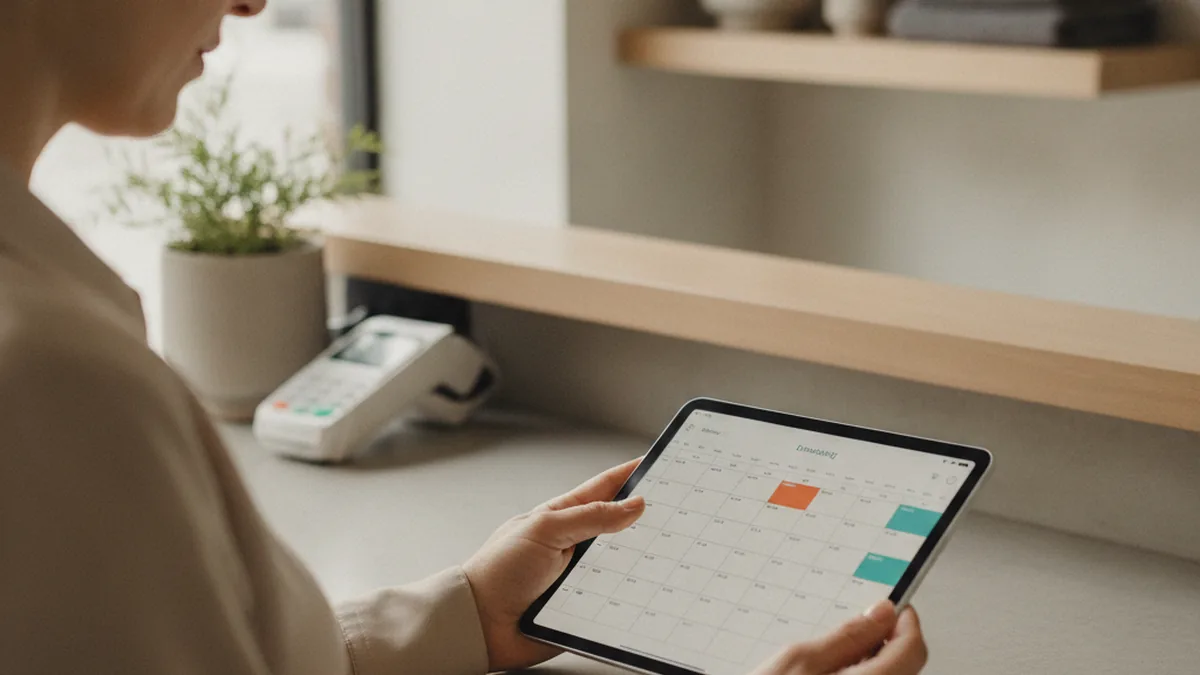
Every gym owner who starts shopping for a member app eventually hits the same wall: the feature lists from every vendor look nearly identical, and none of them tell you which of those features your members will actually use. Most of that list gets ignored within a month of launch, while two or three screens absorb almost all of the daily traffic.
TL;DR: A local gym's app earns its keep on four things — booking a class, paying for or renewing a membership, getting a push reminder before class or before a card expires, and checking in at the door. Everything past that is a nice-to-have until you have the data to prove otherwise. Whether you buy a white-label app or build one custom usually comes down to how far your billing and scheduling rules stray from what an off-the-shelf platform already supports.
The rest of this guide walks through what belongs on that core list, where owners and members disagree about priorities, and how to decide between buying and building.
What a Local Gym's iPhone App Actually Needs to Do
A gym member app has exactly one job on any given day: answer "can I get into a class, and do I still have an active membership" as fast as possible. Everything in the app should be judged against that job first. Class booking, membership status and renewal, and a way to pay without calling the front desk cover the bulk of it. Push notifications close the loop by reminding a member before a class fills up or before a card on file expires — the two moments when a gym most often loses either a booking or a renewal to simple forgetfulness.
Apple Wallet and Apple Pay integration matter more here than in most small-business apps, because gym memberships are recurring charges that members actively want to track. A member who can see their next charge date and renew with Apple Pay in two taps calls the front desk far less often than one who has to dig up a card number over the phone.
Do Members Actually Open a Gym App, or Just the Front Desk?
What Gym Owners Think Members Want
Owners shopping for an app tend to assume members want something close to a consumer fitness tracker — workout logs, progress charts, a social feed of personal records. Those features show well in a sales demo, and vendors lean on them because they photograph nicely in a pitch deck.
What Members Actually Use the App For
In practice, boutique studios that track in-app usage consistently see the same handful of screens dominate: booking a class, checking the schedule for a trainer swap, a QR code for check-in, and the billing/membership screen. Workout-tracking screens get opened once or twice and then abandoned, because most members already use a dedicated fitness app for that and don't want a second one. The gap between what owners think members want and what they actually open is the single biggest source of wasted budget in a first app build — paying for a tracking dashboard nobody uses instead of a check-in flow everybody needs.
The Core Feature Checklist
Before comparing vendors or scoping a custom build, hold every option to this list. These are the features that show up in daily usage data across small gyms and studios, not the ones that sound impressive in a sales call.
- Class booking and waitlists — reserve a spot, see live capacity, and get moved off a waitlist automatically.
- Recurring billing with Apple Pay — charge membership fees on schedule and let members update a card without a phone call.
- Push notifications — class reminders, waitlist openings, and renewal/expiration alerts.
- Trainer schedule and substitution alerts — notify members when their usual instructor is swapped.
- Member check-in, ideally via QR code — speeds up the front desk and gives you real attendance data.
- Basic retention data — who hasn't booked in two weeks, whose card is about to expire, who's close to a renewal decision.
- A simple membership/billing screen — next charge date, plan details, and a self-serve way to pause or cancel.
Build Custom vs. Buy White-Label: Which Fits Your Gym
When a White-Label App Is Enough
A white-label platform — a shared app re-skinned with your gym's logo and colors — is the right call for a single-location studio with a fairly standard class schedule and a billing setup the vendor already supports. You trade feature flexibility for a fast launch and a predictable monthly cost, and for a lot of boutique studios that trade is exactly right: the core checklist above is already built, tested, and running on hundreds of other gyms.
When Custom Development Makes Sense
The calculation changes once your billing rules, multi-location scheduling, or member-check-in flow don't map cleanly onto a shared platform's feature set — proration rules a white-label vendor doesn't support, a loyalty structure tied to attendance, or a front-desk hardware setup the platform wasn't built around. That's the point where most gym owners decide to build a custom iPhone app instead of stretching a white-label template past what it was designed for. A custom build also removes the recurring platform fee, which can matter over a multi-year horizon even though the upfront cost is higher.
A Feature Comparison Table: Owner Priorities vs. Member Priorities
Lining up what owners typically ask for against what members actually use makes the gap concrete and easier to budget around.
| Feature | What owners usually prioritize | What members actually use |
|---|---|---|
| Class booking | High — core request from day one | Highest — opened multiple times a week |
| Billing / Apple Pay | Medium — often added later | High — checked around renewal dates |
| Push reminders | Low — seen as a nice-to-have | High — directly reduces no-shows |
| QR check-in | Medium — valued for front-desk speed | High — used every visit |
| Workout tracking / progress charts | High — demos well, feels modern | Low — opened once, rarely returned to |
| Social feed / community wall | Medium — assumed to drive engagement | Low — competes with existing social apps |
Common Mistakes Gym Owners Make When Scoping an App
- Scoping for a fitness-tracker experience instead of a front-desk replacement. The features that photograph well in a vendor demo are rarely the ones members open daily — see the gap above.
- Picking a white-label platform without checking the billing fine print. Proration, pausing a membership, and family plans are exactly the rules that vary most between gyms, and the ones most likely to be missing from a shared platform.
- Launching without a check-in flow. An app that handles booking and billing but still requires a manual sign-in sheet at the door loses most of its daily-use value and the attendance data that comes with it.
What It Costs to Get This Right
White-label platforms are priced as a monthly subscription on top of a setup fee, which keeps the upfront number low but adds up over several years of recurring payments. Custom development costs more to launch, since booking, billing, and notifications all have to be built rather than configured, but there's no ongoing platform fee once it ships. The right choice depends less on which number looks smaller today and more on how long you plan to run the app and how closely your billing and scheduling rules match what a shared platform already supports — the further your workflow strays from the template, the faster a white-label subscription's limitations become expensive in lost bookings and front-desk workarounds.
A Launch Checklist Before You Open the App to Members
- Confirm class booking, waitlists, and capacity limits match your actual schedule, including recurring and one-off classes.
- Test the full billing cycle end to end — sign-up, renewal, a failed card, and a pause or cancellation request.
- Verify push notifications actually fire for class reminders and card-expiration alerts, not just in a staging environment.
- Walk a staff member through check-in at the front desk during a busy class to catch friction before members do.
- Have a fallback for members without the app — a sign-in sheet or front-desk override — for the first few weeks.
FAQ
Do small gyms actually need their own app, or is a booking widget on the website enough?
A booking widget covers the single job of reserving a class, which is often enough for a gym with one location and a simple schedule. An app earns its keep once you add recurring billing, push reminders, trainer-schedule changes, or check-in — the things members open repeatedly rather than once a week.
What's the difference between a white-label gym app and a custom-built one?
A white-label app is a shared platform re-skinned with your logo and colors, priced as a monthly subscription, with features you can't change beyond what the vendor offers. A custom-built app is written specifically for your gym's workflow and billing setup, costs more upfront, and can do exactly what you need without working around someone else's template.
How much should a small gym budget for a member app?
White-label platforms typically run as a monthly subscription on top of a one-time setup fee, which keeps the upfront cost low but adds up over several years. Custom development costs more upfront but has no recurring platform fee, so the right choice depends on how long you plan to run the app and how specific your feature needs are.
Can a gym app handle membership payments and Apple Pay directly?
Yes — both white-label platforms and custom builds can integrate a payment processor that supports Apple Pay and recurring billing. The difference is flexibility: a white-label app uses the processor the vendor has already integrated, while a custom build lets you choose the processor and set your own billing rules, like proration or pausing a membership.
How long does it take to launch a basic gym member app?
A white-label app can often go live in a few weeks once your class schedule, pricing, and branding are configured. A custom build realistically takes a few months from discovery to launch, because booking, billing, and notifications all have to be built and tested rather than configured.
What's the biggest feature gym owners overestimate the importance of?
Workout-tracking and progress dashboards. Owners often assume members want a fitness-tracker experience inside the gym's app, but usage data from boutique studios consistently shows booking, check-in, and billing get opened far more often than any tracking screen.
Who should actually build the app — an in-house hire, a white-label vendor, or a dev partner?
A white-label vendor fits a single-location gym that wants to launch fast without managing a dev relationship. A dedicated development partner fits a gym or small chain whose billing, scheduling, or member-check-in needs don't map cleanly onto a shared platform's feature set, since a partner can scope the build around your actual workflow instead of your workflow around the platform.
This article is for informational purposes only and does not replace professional advice. Found an error? Let the editors know via the contact page.