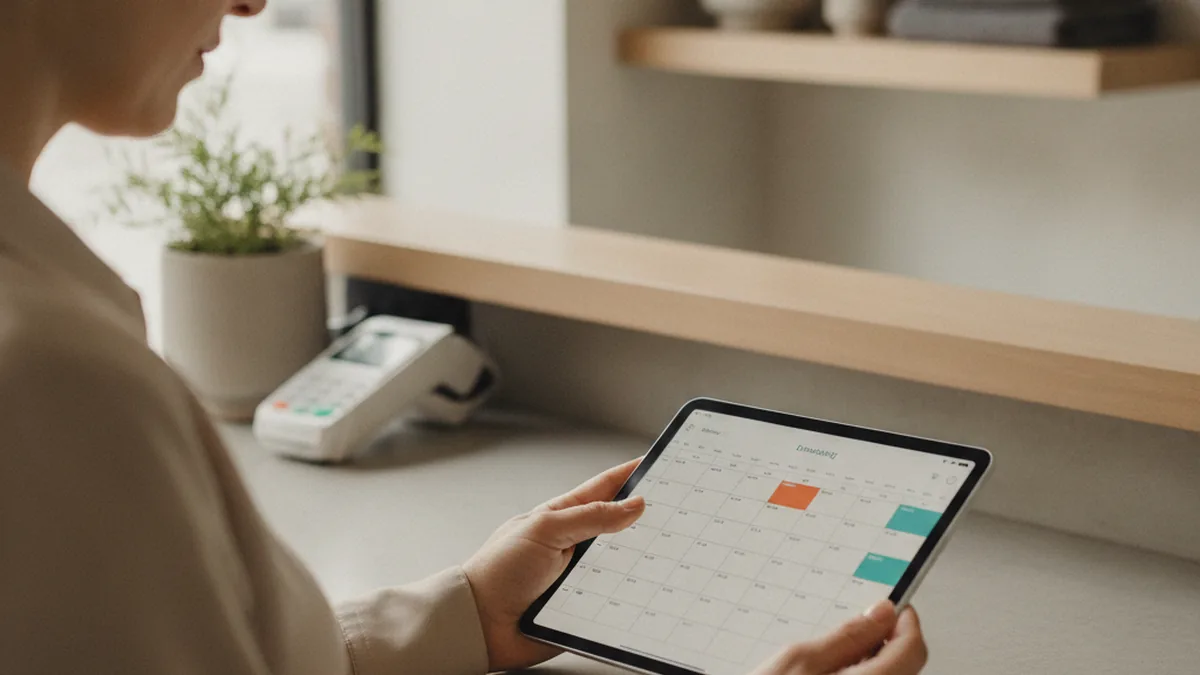
If you run a salon, a consulting practice, or a local B2B supply business, the real cost of growth usually isn't finding more clients — it's answering the same five questions from all of them, every single day. "Where's my order?" "Can you resend that invoice?" "What's the status on my project?" Each message takes a couple of minutes to answer and a context switch to get there, and on a busy week those two-minute interruptions add up to hours you never planned to spend.
A customer portal is the usual fix enterprise software sells for this exact problem, but the pitch is aimed at companies with a dedicated client-success team, not a five-person service shop. The real question for a small business isn't whether portals work — it's whether you've actually outgrown email and phone, and whether the fix is a low-cost monthly tool or a conversation with a developer. For businesses whose workflow has already outgrown the templates a drag-and-drop portal builder offers, that's usually the point to bring in a team that specializes in custom web application development rather than stretching a no-code tool past its limits.
This guide walks through the signs you're actually ready for a portal (and the signs you're not), what a simple portal usually includes, how to decide between an off-the-shelf tool and a custom build, and what it costs to get started — without any padded numbers.
TL;DR: A customer portal is a secured page where a client logs in and sees their own order status, documents, or invoices, without calling you. You're probably ready for one once the same two or three questions keep arriving by email or phone every week. You're probably not ready if you haven't yet standardized how you track status and documents internally — a portal just automates whatever process you already have, good or bad. Most small businesses should start with a low-cost, no-code tool and only move to a custom build once they need it to talk to their own internal systems.
- A portal is self-service, not a CRM: it's a page your client visits, not a tool your team uses internally.
- Repeating questions are the signal: if you're typing the same status update three or more times a week, that's the tell.
- Fix your process before you automate it: a portal just makes an existing workflow self-service — it won't organize a messy one for you.
- Start cheap, upgrade later: a no-code tool is the right first step for almost everyone; custom development earns its cost once you need real integrations.
What Does "Customer Portal" Actually Mean for a Small Business?
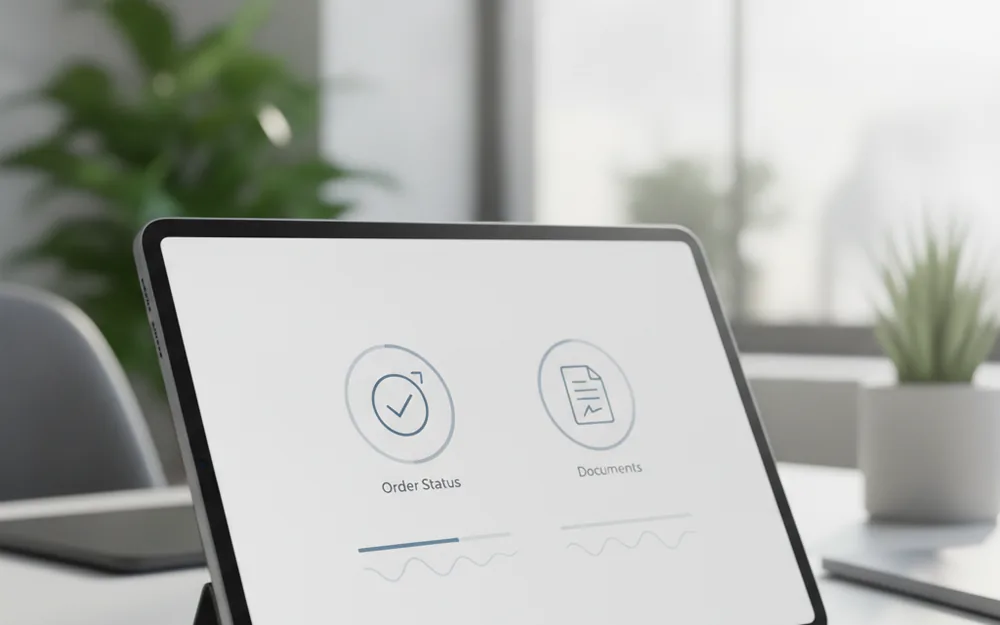
Strip away the enterprise-SaaS language and a customer portal is simple: it's a secured page your client logs into, where they can see their own order status, download their own documents, or check their own invoice history — without emailing or calling you to ask. It's not a CRM (your internal tool for tracking leads and client history) and it's not a general-purpose client dashboard with every feature you can imagine. For a small service business, the useful version is narrow on purpose: one login, a handful of self-service answers, and nothing you have to maintain beyond keeping the data behind it current.
Signs You Might Already Need One
A few patterns show up again and again in service businesses that are ready to add a portal:
- You're answering the same "where's my order" or "what's my project status" question three or more times a week, from different clients.
- You're manually emailing PDF invoices or re-sending the same document because a client lost the original.
- Client files live scattered across individual email threads or a pile of shared Google Docs links, with no single place a client can check themselves.
- Someone on your team spends a measurable chunk of their week on status updates rather than the work those updates are about.
Signs You're Probably Not There Yet
A portal automates whatever process already exists behind it — it doesn't fix a disorganized one. If your own internal tracking is still inconsistent, that's worth solving first.
| Ready for a portal | Not yet — fix this first |
|---|---|
| You have a consistent, repeatable status system internally (even a shared spreadsheet counts) | Status lives in your head or changes format from client to client |
| Client questions follow a small, predictable set of patterns | Every client's questions are different and highly case-specific |
| You have more than a handful of active clients asking the same things | You have only a few clients, and a quick phone call is genuinely faster for everyone |
| Documents and invoices are already stored somewhere organized | Files are scattered across email, drives, and devices with no single source |
What a Simple Customer Portal Usually Includes
Most portals that actually get used by small service businesses stick to four core pieces rather than trying to cover everything a large platform offers.
Self-Service Status & Order Tracking
A simple status indicator — received, in progress, ready, delivered — answers the single most common client question without a message ever needing to be sent.
Document and File Sharing
A dedicated place for contracts, reports, and deliverables means a client can retrieve their own copy instead of asking you to resend something you sent three months ago.
Billing and Payment History
A record of past invoices and payment status cuts down on "did I already pay that?" questions and gives clients a reason to log in on their own.
Basic Access Control
Each client should see only their own data. This sounds obvious, but it's the single most common corner cut in a rushed, homemade portal — and the one that causes the most damage if it's missed.
Off-the-Shelf Tool or a Custom-Built Portal?
For almost every small business starting from zero, a no-code client-portal product is the right first move: it's fast to set up, cheap to try, and covers the four essentials above without a development project. The honest limitation shows up once your business needs the portal to talk to systems you already run — your booking software, your accounting platform, your own database of client records — rather than living as a standalone tool with its own separate copy of your data. That's the point where a drag-and-drop builder starts fighting you instead of helping, and it's usually the signal to bring in a team that specializes in custom web application development: one that can connect the portal directly to the systems you already use, instead of asking you to maintain two versions of the same information.
What It Actually Costs to Get Started
A no-code client-portal tool typically sits at the lower end of a monthly software budget for a small client list, scaling up gradually as you add users and storage. A custom-built portal costs more upfront, since you're paying for development time rather than a subscription, but it scales differently: once built, it can grow with your business and connect to internal tools in a way a template-based product can't. Neither path requires guessing at a number in the dark — a no-code tool's pricing page will show you the real cost before you commit, and a development team can scope a custom build against your specific integrations rather than a generic estimate. Customer expectations around self-service have also shifted enough that it's worth weighing against the cost of doing nothing: Salesforce's State of the Connected Customer research has tracked a steady rise in how much customers expect to resolve things themselves, without needing to pick up the phone.
A Simple First Step Before You Build Anything
Before signing up for any tool or briefing a developer, spend one week counting. Track every repeat question that comes in by email, text, or phone, and note which one shows up most often — that's your answer to "what should the portal do first." Then pick one or two features, not four, for a first version: a status page and document access cover most of what clients actually ask for, and billing history can follow once the basics are working. Starting narrow means you'll know within a month whether a portal is actually solving the problem, instead of finding out six months and several unused features later.
FAQ
Do I need a developer to build a customer portal?
Not for a first version. Most no-code client-portal tools let you set up basic status updates, document sharing, and billing history without writing code. You'll want a developer once you need the portal to talk to your own systems — your booking software, your accounting tool, or a database that isn't the portal vendor's own.
What's the difference between a client portal and a CRM?
A CRM is a tool your team uses internally to track leads, deals, and client history. A customer portal is a page your client logs into themselves to see their own status, documents, or invoices. Many small businesses eventually connect the two, so the portal displays data the CRM already holds, but they solve different problems and often start as separate tools.
How much does a basic customer portal cost for a small business?
An off-the-shelf client-portal tool typically runs from a low monthly fee for a small client list up to a few hundred dollars a month as you add users and storage. A custom-built portal costs more upfront because you're paying for development time, but it scales with your business and can integrate directly with tools a no-code product can't reach.
Can I start with a no-code tool and upgrade later?
Yes, and for most small service businesses that's the lower-risk path. Starting with a no-code portal lets you confirm which features your clients actually use before you invest in a custom build. Export your client data and document structure as you go so a future developer isn't starting from a blank page if you do outgrow the tool.
Is a customer portal secure enough for sensitive documents?
A properly built portal — whether off-the-shelf or custom — should restrict each client to only their own data, use encrypted connections, and require a login rather than a guessable link. Ask any vendor directly how access control and encryption work before you upload tax documents, medical records, or signed contracts; if they can't explain it clearly, that's a red flag on its own.
How long does it take to launch a simple portal?
A no-code portal with one or two features can often go live within a week or two, mostly limited by how long it takes you to organize your client data and documents. A custom-built portal with integrations typically takes several weeks to a few months, depending on how many systems it needs to connect to.
What's the first feature I should build, if I can only pick one?
Pick whichever repeating question costs you the most time right now. For most service businesses that's order or project status, since it's the question clients ask most often and the one that's easiest to answer with a simple status page rather than a phone call.
This article is for informational purposes only and does not replace professional legal or technical advice. Found an error? Let the editors know via the contact page.