A homeowner calls at 7:40 a.m. needing an HVAC tech before noon, a plumber is already mid-job across town, and the office is juggling three group texts and a paper whiteboard to figure out who's actually free. That juggling act works fine with two or three technicians. Past four or five, it starts costing real jobs: missed appointments, double-booked slots, and techs showing up without the parts because nobody updated the job notes.
The instinct is to grab whatever app looks cheapest and move on, but the cheapest-looking option on day one isn't always the cheapest option a year in. A tool that can't work offline on a job site with no signal, or a template builder that can't sync with the calendar the office already runs on, tends to cost more in redone setup and frustrated staff than paying slightly more for the right fit from the start.
TL;DR: Field service teams on a budget usually choose between three paths: a ready-made SaaS dispatch app, a template or no-code builder, or a custom Android app built around how the team already works. A SaaS tool is the fastest start and the right call for most teams under ten technicians; a template builder is cheaper upfront but caps out fast on offline support and integrations; a custom build earns its cost only once a specific piece of the workflow genuinely can't be handled by an off-the-shelf tool.
What Does a Field Service Team Actually Need From a Mobile App?
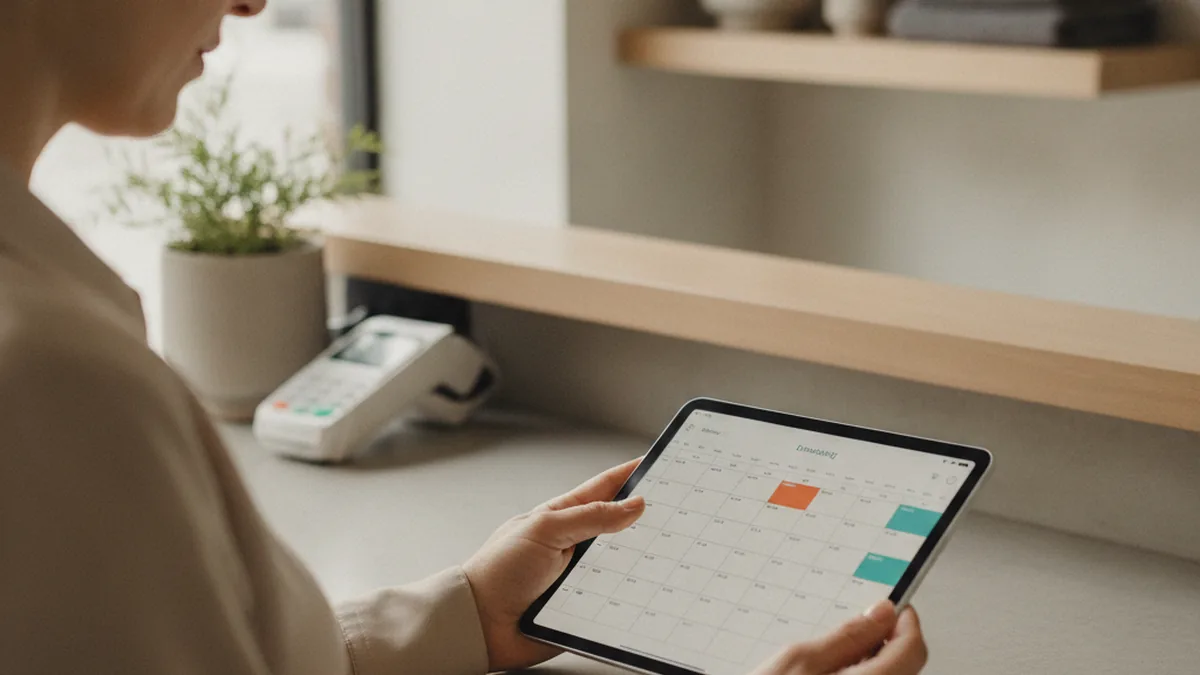
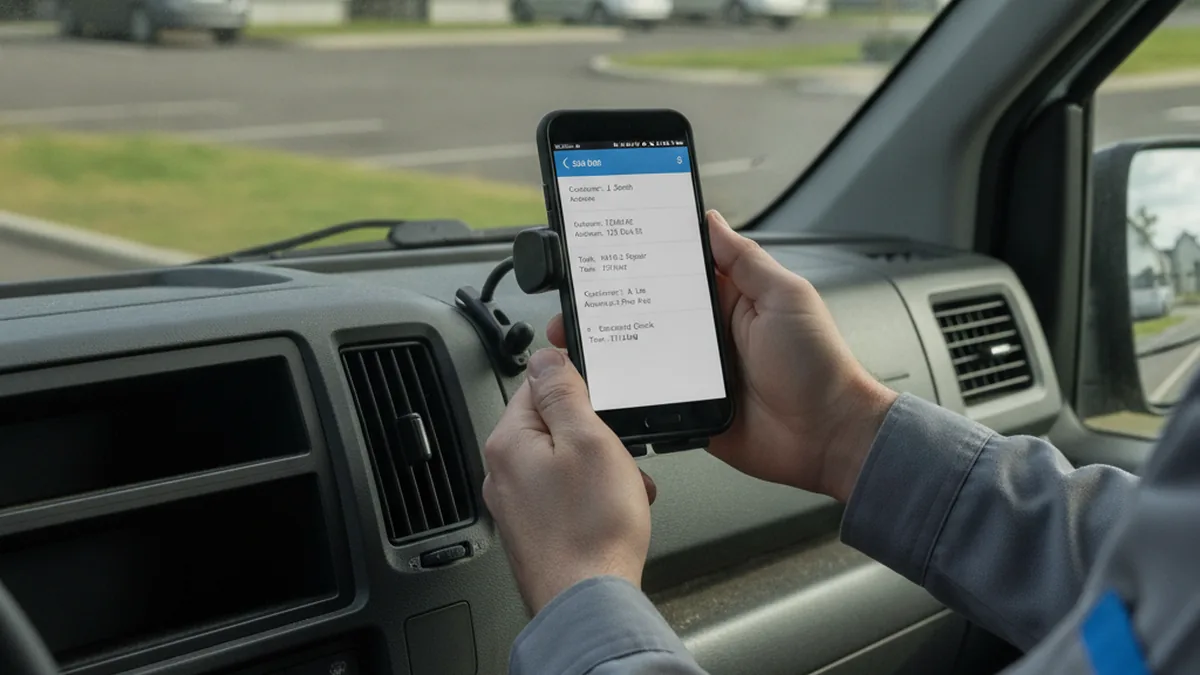
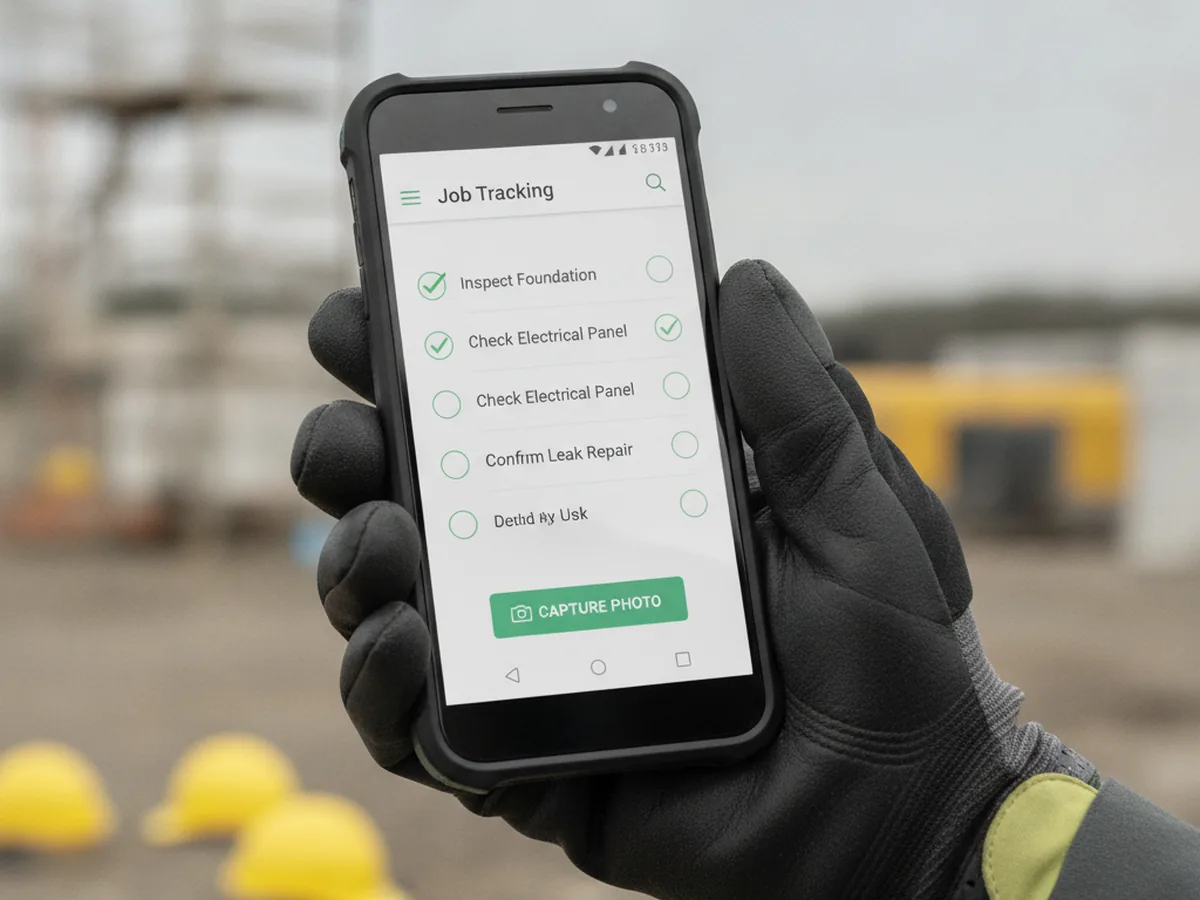
Before comparing platforms, it helps to separate what a field service app genuinely needs from what sounds good in a sales demo. The core list for a small team is short: offline mode, so a tech stuck in a basement or a rural job site can still see and update job details; a job list with live status, so dispatch always knows who's doing what; GPS check-in and check-out, to confirm arrival without a phone call; photo capture for before-and-after shots, to document work and head off disputes; client e-signature, to close out a job on the spot; and calendar sync, so new jobs land where the office already looks for them.
What a small team usually doesn't need on day one is route optimization across a dozen vehicles, predictive maintenance analytics, or a custom reporting suite. Those solve problems that a two-to-four-truck operation hasn't run into yet, and paying for them upfront is paying to solve a problem that doesn't exist yet.
Option 1: A Ready-Made Dispatch App (SaaS Subscription)
A subscription dispatch app is already built, tested, and running at other service businesses, which is exactly its appeal: a team can typically be live within days, not months. Support is included, updates roll out automatically, and the vendor has already made most of the hard decisions about how scheduling and check-ins should work.
The trade-off shows up as the team grows. Pricing is almost always per technician per month, so the bill climbs steadily as headcount does, and customization is limited to whatever settings the vendor exposes, so a workflow quirk the app doesn't support simply stays unsupported. For a team of one to ten technicians running a fairly standard process, though, this is usually the right starting point: faster to launch, cheaper than custom development, and good enough for most day-to-day dispatching.
Option 2: A Template or No-Code Builder
A template or no-code app builder sits between a subscription tool and a custom build. It's cheaper to set up than a SaaS dispatch app in many cases, and a motivated owner or office manager can often assemble a basic version without hiring anyone.
The ceiling arrives fast, though. Offline mode and deep calendar or CRM integration are usually weak in these tools, or locked behind a pricier add-on tier, and the moment a workflow needs something outside the builder's fixed templates, there's no path forward short of starting over elsewhere. A template builder works well for a one- or two-technician operation with a simple, unchanging process; it tends to struggle once a team needs reliable offline support or a tighter connection to the systems the business already runs on.
Option 3: A Custom Android App Built for Your Workflow
Custom development is worth considering once a process has already settled into a routine, but no ready-made tool closes one or two critical gaps, such as a specific work-order form the business has used for years, a tight integration with an existing CRM or billing system, or reliable operation in areas with little to no signal on job sites.
This is also where integration choices matter most. A team that already tracks its vehicles, routes, or fuel costs through a fleet management software development system is usually better off building a new app to connect with that existing system rather than standing up a second, disconnected tool that duplicates the same data. Building for compatibility from day one avoids the common trap of ending up with two apps that both claim to know where a technician is right now, and disagree.
How Much Should a Basic Field-Service App Actually Cost?
Exact pricing varies by vendor and region, so treat the figures below as ranges to reason with, not quotes to expect. What matters more than any single number is how each option's cost behaves as the team grows.
| Option | Cost to start | Cost to scale | Flexibility | Time to launch |
|---|---|---|---|---|
| SaaS dispatch app | Low, no build cost | Rises steadily per technician | Limited to vendor settings | Days |
| Template/no-code builder | Lowest upfront | Moderate, add-ons add up | Fixed templates, low ceiling | Days to a couple weeks |
| Custom Android app | Highest upfront project cost | Mostly maintenance, not per-user fees | Built exactly around the workflow | Several weeks to a few months |
The line that trips up a lot of owners is the one after launch. A SaaS or template tool keeps billing every month indefinitely, which adds up over a few years even though the sticker price looked small on day one. A custom app carries little or no per-user fee, but it does need a standing budget for updates, Android OS compatibility fixes, and the occasional new feature; those costs don't disappear just because the initial build is done.
A Simple Way to Decide Which Path Fits Your Team
Four questions tend to settle most of these decisions on their own:
- How many technicians need the app right now, and how many in the next year or two?
- Is the day-to-day process fairly standard, or does it already lean on a form or habit no generic tool matches?
- Does the team genuinely need to work with no signal on-site, not just occasionally slow Wi-Fi?
- Is there an existing system (CRM, billing, or fleet tracking) this app needs to talk to?
A small team with a standard process and no must-have integration almost always does best starting with a SaaS dispatch app. Add a genuine offline requirement or an existing system to connect to, and the case for a custom build gets a lot stronger.
None of these three options is wrong on its own; the mismatch happens when the choice doesn't match the team's actual size and workflow. Start with the option that matches where the business is today, not where it might be in three years, and switch paths once a specific, recurring limitation actually shows up rather than one that's only hypothetical.
Frequently Asked Questions
Do I need a custom Android app, or will a ready-made dispatch tool work?
Most teams under ten technicians do fine with a ready-made dispatch app, since it covers offline mode, scheduling, and GPS check-ins out of the box. A custom build only makes sense once a specific workflow, like a non-standard work order form or a tight link to an existing system, can't be handled by any off-the-shelf tool.
How much does a basic field service app cost to build?
A SaaS dispatch subscription typically runs a modest monthly fee per technician with no upfront build cost. A template builder usually has a small setup fee plus a lower monthly charge. A custom Android app is a real project cost upfront, followed by ongoing maintenance, so it only pays off when the other two options genuinely can't do the job.
What features does a field service app actually need on day one?
The essentials are offline mode, a live job list with status updates, GPS check-in and check-out, before-and-after photo capture, client e-signature, and calendar sync. Route optimization, predictive analytics, and custom reporting are nice-to-haves that most two-to-four-truck teams don't need yet.
Can a field service app work without internet connection on-site?
It depends entirely on the tool. Many budget-friendly template builders only fully work with a live connection, which is a real problem in basements, rural areas, or buildings with thick concrete walls. A genuinely offline-first app queues updates locally and syncs once a signal returns, so confirm this specifically before choosing a tool rather than assuming it's included.
Is a no-code or template builder good enough for a small field service team?
For a single-technician or two-technician operation with a simple, standard process, a template builder is often enough and keeps costs low. It tends to hit a ceiling once a team needs reliable offline support, deeper calendar or CRM integration, or a form that doesn't match the builder's fixed templates.
How long does it take to build a custom Android app for a field service business?
A properly built custom app with offline sync, GPS, and a real integration typically takes a developer several weeks to a few months, not days. Timelines that promise a working custom build in under two weeks usually mean a stripped-down version that skips the offline and integration work that justified going custom in the first place.
What happens to app costs after launch?
Every option carries ongoing cost after launch, not just the custom build. SaaS and template tools bill monthly per user indefinitely, while a custom app has lower or no per-user fees but needs budget set aside for updates, OS compatibility fixes, and occasional feature work as the business grows.
This article is for informational purposes only and does not replace professional business or legal advice. Found an error? Let the editors know via the contact page.