A coffee shop owner finally decides to set up a loyalty program, and the first question — points or stamps — turns out to be the easy one. The harder question comes right after: does this need an app at all, and if it does, where do you even start? Android or iPhone first isn't an abstract platform debate here; it's usually decided by who's standing behind the counter and who's already walking in the door.
TL;DR: Most coffee shops don't need a dedicated app to start a loyalty program — a digital card in Apple Wallet or Google Wallet, or the loyalty add-on already built into your POS, covers the basics for free or close to it. A separate Android app earns its cost only once you want things a wallet card can't do: push offers, purchase-history personalization, or tight integration with inventory and the till. And if a dedicated app does make sense, most owners end up asking a developer about Android app development first, simply because of who's already in their shop.
How Does a Coffee Shop Loyalty Program Actually Work?
Every loyalty program is built on one of two mechanics: points, where purchases add up to a reward at a threshold, or stamps, where a fixed number of visits earns a free item. Stamps are simpler to explain and build; points scale better once you want tiered rewards. Neither mechanic alone brings people back, though — what actually drives repeat visits is the feeling of being tracked, a small nudge (a notification, a stamp card in a wallet) reminding someone the reward is close, and a goal that feels achievable within a week or two, not a distant one.
Do You Need a Dedicated App at All?
There are three real paths, and most coffee shops should start with one of the first two. A digital loyalty card in Apple Wallet or Google Wallet needs no install — customers add a pass from a link or QR code, and it updates automatically as they earn rewards. A POS loyalty add-on (Square, Toast, and Clover all offer one) ties the program directly to the till, so staff don't need a separate system and reporting comes built in. Both are enough for most independent coffee shops.
A dedicated mobile app is the heavier option, worth it only once those two stop being enough — when you want ongoing customer communication a wallet pass can't deliver, you're running more than one location and want unified reporting, or loyalty is meant to anchor a broader ordering app rather than a simple punch card.
Why Does "Android-First" Even Come Up for a Coffee Shop?
If a dedicated app is the right call, the next question is which platform to build first — and for a neighborhood coffee shop, Android usually comes up before iPhone for a practical reason, not a brand preference. The crowd walking into an everyday, price-sensitive local shop skews toward a broader mix of phones than a premium downtown café might see, and Android generally has a larger installed base among that kind of budget-conscious shopper in the US. Starting Android-first also simplifies an early test: if your first real users are staff and regulars already on Android, you're building for the people already in front of you, not guessing.
That reasoning doesn't hold everywhere. A specialty café with a younger, design-forward, urban clientele is more likely to skew iPhone-heavy — optimizing Android-first there could mean building for the platform fewer of your actual customers use. Look at who's already buying from you, not national averages, before picking a platform.
What Can a Custom Android Loyalty App Do That a Wallet Card Can't?
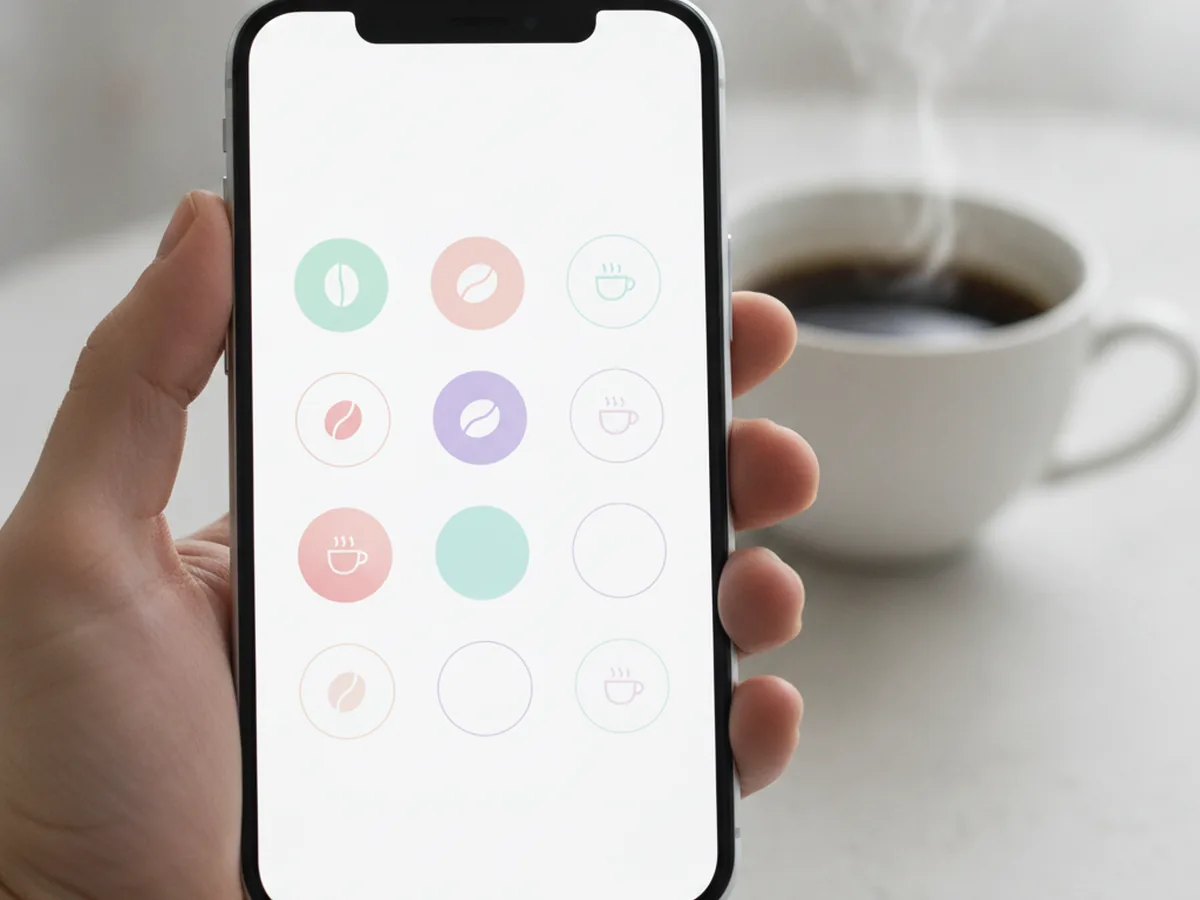
A wallet pass is static — it shows a balance and updates it, and that's roughly its ceiling. A custom app opens up a few things that actually change how the program performs. Push notifications can nudge a regular who hasn't visited in two weeks, or surface an offer exactly when foot traffic dips. Purchase-history personalization lets the app surface a reward tied to what someone actually orders — their usual drink, not a generic discount. Inventory-aware rewards matter more than owners expect for a coffee shop: rewarding or upselling individual line items like syrups or alt-milks requires the app to talk to your POS and stock data, which a wallet pass can't do.
No Extra Hardware, but Plan for Real Setup Time
A custom app shares one advantage with a wallet card: neither needs new hardware at the counter. A barista can scan a customer's QR code with the camera on the same device already running the POS. What a custom build does require, honestly, is time — "five minutes to set up" is accurate for a wallet pass template, not for an Android app with real POS integration. A working first version, built and tested properly, typically takes several weeks, not days; rushing that is usually where push notifications or inventory sync end up half-working at launch.
How Do You Promote the Program So People Actually Use It?
A loyalty program nobody knows about doesn't move any numbers, regardless of platform. The highest-leverage move is training staff to mention it at the register — a one-line prompt at checkout converts better than any signage, because it happens exactly when someone's paying attention. Beyond that, a QR code on tables, cups, and receipts catches customers while they're already sitting with the product, and a link in the shop's Instagram bio catches regulars who already follow but haven't signed up.
How Do You Measure Whether the Program Is Working?
Signups are a vanity number; what matters is whether people come back more often because of the program. Track the repeat-visit rate among enrolled customers against the shop average, the visit frequency before and after enrollment for the same customers, and the redemption rate — what share of earned rewards actually get claimed, since high signups with low redemption usually means the reward or reminder isn't landing.
Build vs. Buy: Who Should Actually Build This?
For a single-location shop running a straightforward points-or-stamps program, a ready-made SaaS loyalty tool or POS add-on is almost always the right call — cheaper, faster to launch, maintained by someone else. Custom development starts making sense once the picture gets more complex: a small chain needing unified reporting across locations, a shop that wants loyalty tied directly to its own POS and inventory rather than a third-party add-on, or a longer-term plan to build loyalty into a full ordering app. At that scale, most owners end up talking to a team that specializes in Android app development rather than stretching a generic loyalty tool past what it was built for.
FAQ
Do I need both an Android and iPhone version from day one?
No. A digital wallet card already works on both Apple Wallet and Google Wallet, so you can serve every customer before a line of app code is written. Launching a dedicated app on one platform first, then watching how it's actually used, is far cheaper than building two apps in parallel.
What's cheaper: a digital wallet card or a custom app?
A digital wallet card is cheaper to launch, usually set up through your POS provider in a day or two with no ongoing development cost. A custom app carries real design, build, and maintenance costs, so it pays for itself only once you need something a wallet card can't offer, like personalized push offers or inventory-aware rewards.
Can I run a loyalty program without any app at all?
Yes. A physical stamp card still works, and most point-of-sale systems (Square, Toast, Clover) include a built-in loyalty add-on that tracks visits and rewards automatically, with no app for the customer to install. For a single-location shop just starting out, this is often the right place to begin.
How long does it take to build a basic loyalty app for a coffee shop?
A simple version with scan-to-earn, a rewards balance, and push notifications typically takes a developer several weeks to build and test properly, not days. Rushed timelines usually mean cut corners on POS integration or notification reliability — the two features that actually justify an app over a wallet card.
Will customers actually download a dedicated app for one coffee shop?
Some will, especially your most frequent regulars, but most casual visitors won't install an app for a single small business they visit occasionally. That's why a digital wallet card, which needs no install, tends to get far higher adoption for an independent shop with one or two locations.
What data should the loyalty app track?
At minimum: visit frequency, which rewards get redeemed, and roughly how much time passes between visits. That's enough to tell whether the program is actually bringing people back more often, which matters more than how many people simply signed up.
Do I need a developer, or can I use a template builder?
A template loyalty tool built into your POS covers most single-location coffee shops well, with no developer required. You need one once you're building a custom Android app with its own POS integration, push logic, or inventory-aware rewards — past what template builders are designed to do.
Further reading: Google Wallet's developer documentation covers how digital loyalty and rewards passes are built and updated.
This article is for informational purposes only and does not replace professional business or legal advice. Found an error? Let the editors know via the contact page.