
Satya Nadella used his Ignite 2026 keynote in San Francisco on November 17 to unveil a pretty different Copilot. Alongside Workspaces, a shared space where people and agents work on tasks together, Microsoft introduced Autopilot, a long-running agent that keeps its own identity, memory, and set of tools inside a company's tenant, and Copilot Code, a no-code builder for dashboards, trackers, and small internal apps that's set to reach general availability in December.
None of this is Microsoft acting alone. Apple has been folding AI agents into the App Store, and OpenAI has been rolling out business agents inside ChatGPT. Different companies, same direction: the default expectation for software is shifting from "answers your questions" to "handles the task and checks in only when it needs to."
That shift matters most if your app isn't Copilot and can't lean on Microsoft to build the agentic layer for you. Getting generative AI features into your own product, properly scoped rather than bolted on, is generative AI integration work, and it's worth planning before customers start asking why your app still makes them do everything by hand.
What Autopilot actually does
Autopilot is built to run in the background rather than wait for a prompt. It holds its own identity and memory inside the company's Microsoft 365 tenant, so it can pick a task back up days later with context intact, and it calls on a defined set of tools to get work done. Before anything it does becomes final, Autopilot checks in with a person for confirmation, that approval step being the main thing keeping it from acting fully on its own. Microsoft began rolling it out to Frontier customers on the day of the announcement, with no public date yet for a wider release.
Why this matters if you're not a Microsoft shop
Customers now expect "it just handles it"
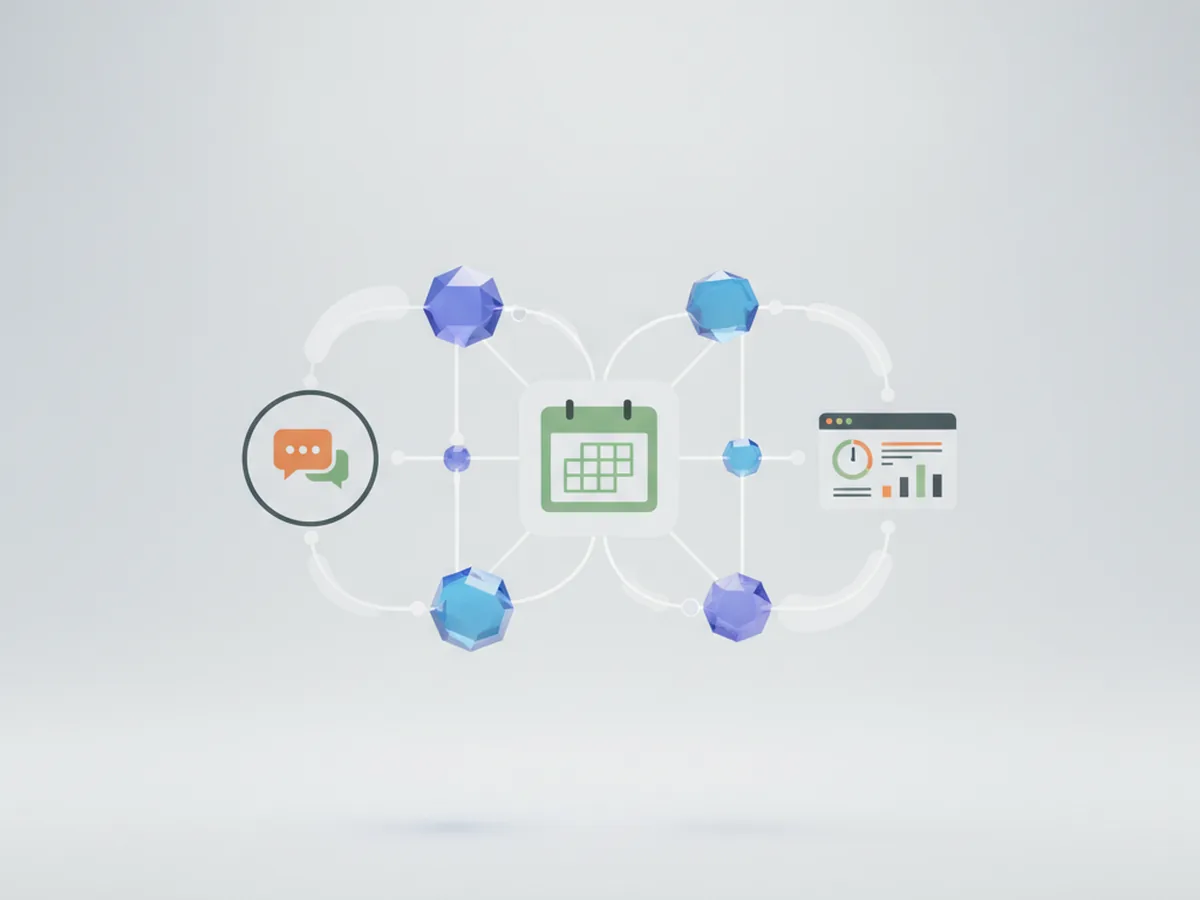
A chat-bot answers a question when asked. An agent with memory and a scoped set of tools can pick up a task, keep track of where it left off, and only surface itself when it actually needs a decision from a person. Once users see that pattern in one piece of software they use daily, a plain Q&A chat box in a different app starts to feel thin by comparison, whatever that app actually does.
Cost pressure is real
Microsoft's own framing at Ignite was blunt: enterprise "token spend is going through the roof." Its response was to extend agentic control deeper into Azure infrastructure, including a general-availability release of Azure Copilot as a deployment agent and an expanded Azure SRE Agent, specifically to bring the cost of running AI agents down. If the platform footing the bill for its own agents is actively re-architecting to control cost, that's a signal worth taking seriously before adding an AI feature to a product you maintain yourself: plan the architecture first, instead of finding out what an unmetered agent costs after a month of bills.
What to do with your own business app right now
None of this means you need to rebuild your app around an agent framework this quarter. It does mean a few practical steps are worth taking now:
- Pick one narrow job the agent actually saves time on — a specific recurring task your users currently do by hand, not "add AI" as a general feature line.
- Scope its permissions tightly from day one. Microsoft's Entra identity system now manages AI agents as their own class of identity, separate from the human accounts that control them; a third-party app should give an agent only the access that one task needs, not the full access of the user who triggered it.
- Don't copy Autopilot's feature list wholesale. It was built for Microsoft's own tenant structure; a useful agent for your product looks narrower and solves a problem your users actually have.
- Design for a confirmation step, not full autonomy. Even Microsoft's own agent stops to check in before finalizing anything consequential — that pause is a feature, not a limitation to engineer away.
FAQ
Is Copilot Autopilot available to everyone yet?
No. Microsoft began rolling Autopilot out to Frontier customers on November 17, 2026, the day it was announced at Ignite. A broader general release wasn't given a date at the keynote.
Does this apply if I don't use Microsoft products?
Yes, indirectly. Autopilot itself only runs inside Microsoft 365 and Copilot. But it signals what customers and employees will start expecting from any business software: an agent that handles a task end-to-end, not just a chat window that answers questions.
Will adding an AI agent to my app be expensive?
It depends on the architecture. Microsoft itself is responding to rising token spend by cutting the cost of running agents on Azure. For a third-party app, an ad-hoc API call bolted onto an existing feature tends to get expensive fast; a properly scoped integration, planned around one use case, is what keeps the cost predictable.
Sources: Yahoo Finance, Visual Studio Magazine. For informational purposes only. Found an error? Let the editors know via the contact page.