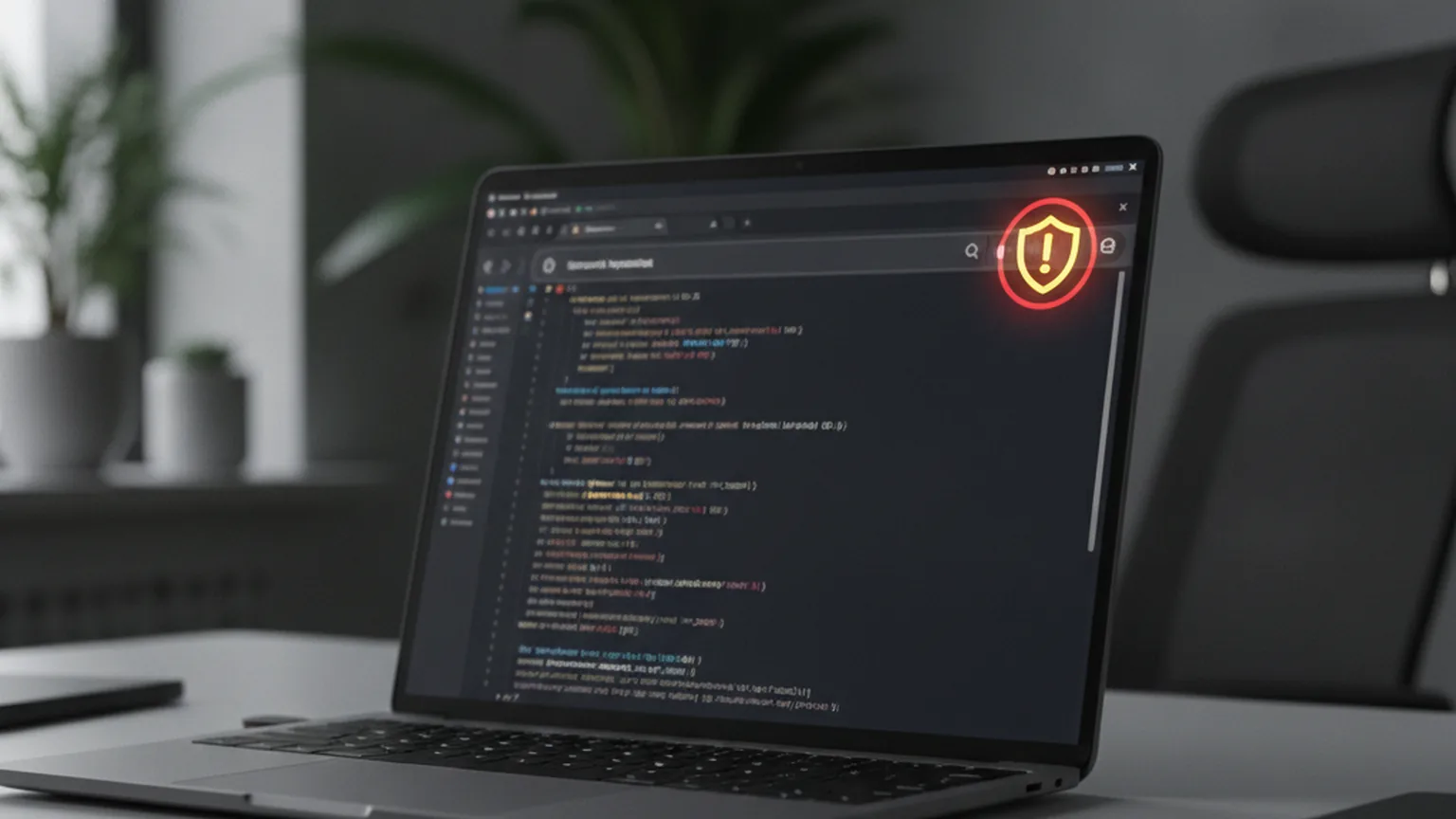
On October 29, 2026, researchers at Forever Security published a disclosure they call "EMBRACE" — a shared architectural flaw found in the embedded browsers built into five of the most widely used desktop AI coding assistants: Cursor, GitHub Copilot, OpenAI Codex, Microsoft's Copilot-enabled VS Code, and Anthropic's Claude Desktop. The flaw was independently confirmed by The Register, which reported that two of the five vendors still had no fix available at the time of writing.
It's easy to read that as a developer problem and move on. It isn't only that. A growing number of small businesses now "vibe-code" an internal tool or an early product themselves — or hand the job to a freelancer — using exactly these tools, because the output looks production-ready fast. EMBRACE is a reminder that looking production-ready and being safe to run a real business on are two different things. Past the prototype stage, once an app touches customer data or payments, that's usually the point to bring in a custom software development team that can catch architectural risks like this one before they ship.
The practical fallout varies by tool: Forever Security reported a path to full code execution in Cursor, data theft in Claude Desktop, Codex and VS Code, and address-bar spoofing in GitHub Copilot — each one a different consequence of the same root design choice.
What Forever Security Found (the "EMBRACE" flaw)
All five tools let you preview a link, open documentation, or browse a web page without leaving the app — convenient, since switching to a separate browser breaks the flow of a coding session. To make that work, each tool opens its own embedded browser window inside the app itself.
The problem is what that window doesn't have. A tab in Chrome or Safari runs inside a sandbox designed specifically to stop a malicious web page from touching anything outside the browser. The embedded browser windows in these five AI assistants skip that sandbox — according to Forever Security, they inherit the same file-system access as the host application around them. A page loaded inside that window can, in principle, reach files it was never supposed to see.
- Cursor — researchers demonstrated a path to arbitrary code execution on the host machine.
- Claude Desktop, OpenAI Codex, VS Code (Copilot mode) — a malicious page could exfiltrate local files and data.
- GitHub Copilot — the address bar itself could be spoofed, making a fake page look like a trusted one.
Which Tools Are Patched, Which Aren't
Cursor and GitHub Copilot shipped fixes within weeks of the disclosure reaching their security teams. As of late October 2026, according to The Register's reporting, Microsoft (VS Code) and OpenAI (Codex) had not yet shipped a patch for the issue Forever Security reported in their tools. That status can change quickly — check each vendor's release notes before assuming either way, and don't treat "unpatched" as a permanent fact rather than a snapshot from the end of October.
Why This Matters If You're Building Your Business App With AI Tools

These AI coding assistants are genuinely useful for a small business building its first app or internal tool: they can turn a rough idea into working code in hours instead of weeks. That speed is also the risk. A non-programmer can't eyeball a diff and tell whether the generated code relied on a tool whose own internals weren't sandboxed properly — as with EMBRACE.
For a side project nobody outside the team touches, that's manageable. For an app that stores customer logins or processes payments, it isn't abstract anymore. A flaw like EMBRACE doesn't live in your code — it lives in the tool you used to write it, which means code review alone wouldn't have caught it.
What to Do Right Now
- Update your tools. If you or your freelancer uses Cursor or GitHub Copilot, confirm you're on the patched release before doing anything else.
- Be careful with the in-app browser. Until Microsoft and OpenAI ship fixes, avoid opening unfamiliar or untrusted links inside VS Code's or Codex's embedded browser view — open them in your regular browser instead.
- Don't treat AI-generated code as audit-free. Fast output still needs a second set of eyes before it touches real customer data.
- Bring in outside help for anything business-critical. If the app you're building is more than a weekend prototype, a custom software development team can review the architecture for risks like this one — rather than just adding features on top of code nobody has checked for this class of problem.
FAQ
Is it safe to use Cursor or GitHub Copilot right now?
Both vendors shipped patches for the EMBRACE flaw within weeks of disclosure. Update to the latest release of each tool and you've closed the specific issue Forever Security reported — the broader lesson about embedded-browser risk still applies going forward.
What is the EMBRACE vulnerability in simple terms?
AI coding assistants open an embedded browser window to preview links, docs and web pages. Unlike a normal browser tab, that window doesn't get its own sandbox — it can reach files on your computer the same way the main app does, which researchers showed could be abused for code execution, data theft, or a spoofed address bar depending on the tool.
Do I need a developer if I'm using AI coding tools for my business app?
For a weekend prototype, no. Once the app handles real customer data, payments, or logins, architectural risks like EMBRACE are exactly the kind of thing a non-technical founder won't catch on their own — that's the point where bringing in a development team with security review experience pays for itself.
This article is for informational purposes only and does not replace professional advice. Found an error? Let the editors know via the contact page.